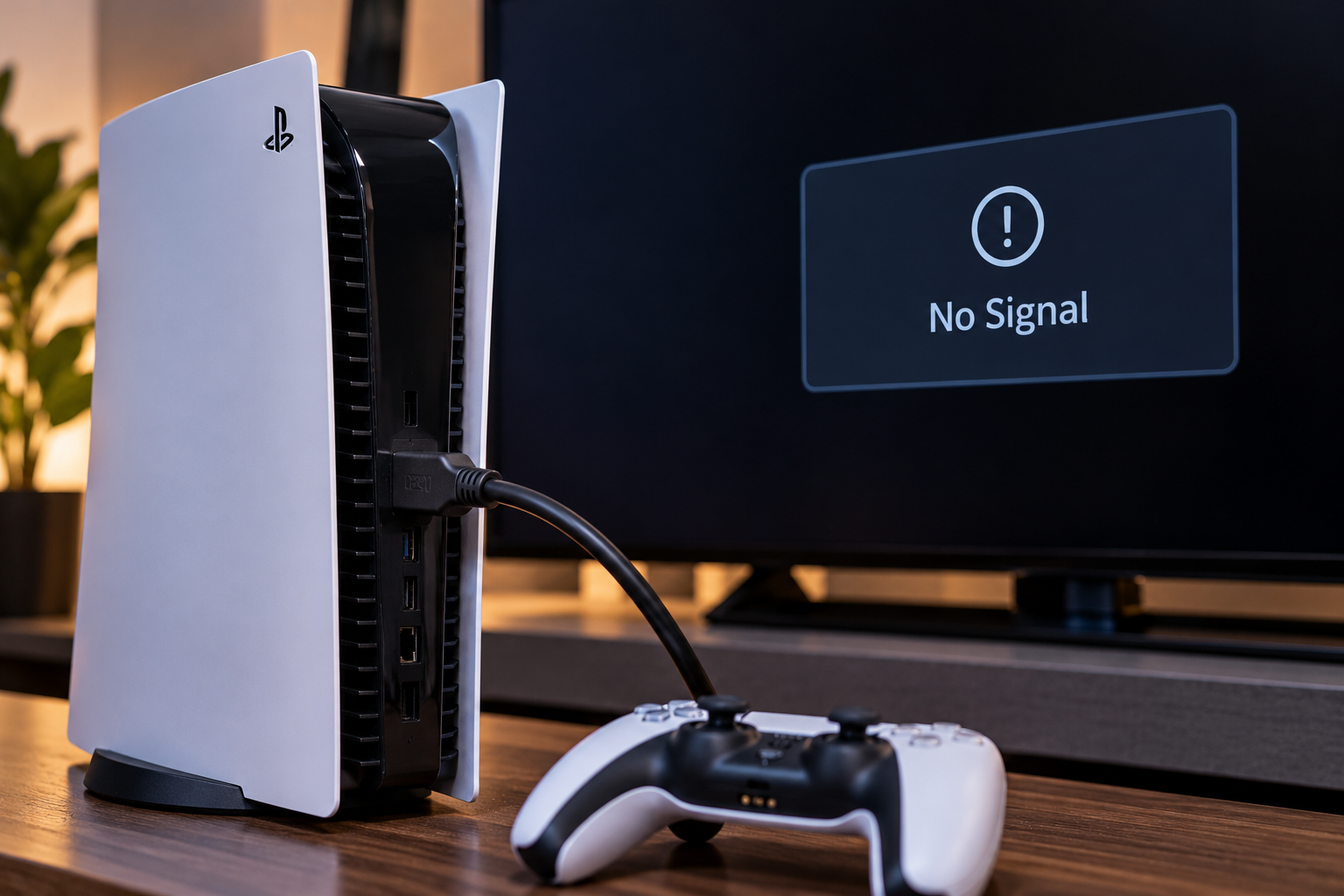
If your PS5 powers on but the television or monitor shows no picture, the HDMI connection is one of the first things to check. The cause may be a cable, incorrect input, broken HDMI port, bent pins, damaged solder joints, or a video-output circuit fault.
At Conner Phone Fix, we diagnose the entire connection before recommending a PS5 HDMI port repair. A no-signal message does not automatically mean the port needs replacement. Testing the cable, display, console settings, physical connector, and board-level components helps us identify the actual cause.
Start With the HDMI Cable and TV Input
Before assuming the console is damaged, rule out the simplest causes. HDMI cables can fail internally even when the outer jacket looks normal. Connectors can also become loose or damaged after repeated plugging and unplugging.
Try a known-working HDMI cable and confirm that the television or monitor is set to the correct input. Test the PS5 on another display. This separates a console problem from a cable, television, receiver, or input issue.
If the console works on another screen, the PS5 HDMI port may not be the problem. The issue could be related to the original display, an HDMI switch, an AV receiver, or a specific cable.
Check Whether the PS5 Is Actually Powering On
A console that shows no picture is not always a video-output problem. The PS5 must complete its normal startup process before it can send a stable image to the screen.
Pay attention to the console’s lights, fan activity, sounds, and controller response. If the system appears to start normally but the display remains blank, the HDMI output path becomes a stronger suspect.
If the console shuts down, repeatedly restarts, or does not remain powered on, the problem may involve the power supply, overheating, storage, or motherboard instead. Those symptoms require a broader gaming console repair diagnostic rather than an HDMI-only assumption.
Can Display Settings Cause a Black Screen?
Yes. Resolution, refresh-rate, HDCP, or display-handshake problems can sometimes prevent a picture from appearing even when the HDMI port is physically intact.
A previous television, monitor, or display setting may not communicate correctly with a new screen. In some cases, starting the PS5 in Safe Mode can help determine whether the issue is related to video settings rather than hardware.
Safe Mode troubleshooting should only be attempted when the console is stable and there is no obvious physical HDMI damage. If the port is loose, bent, or damaged, repeatedly moving the cable can make the problem worse.
What Does a Damaged PS5 HDMI Port Look Like?
Physical HDMI-port damage is common when a console is moved while the cable is still connected, the cable is pulled sideways, or the connector is forced into the port.
A damaged port may have bent or missing pins, a connector that sits crooked, a loose socket, or a cable that no longer fits securely. The console may show no signal, display an image only when the cable is held at an angle, or lose the picture when the cable moves.
Do not force a connector into a damaged port. The HDMI socket is attached directly to the PS5 motherboard, and additional movement can damage solder pads or surrounding components.
Can the HDMI Port Look Fine and Still Be Damaged?
Yes. Not every HDMI failure is obvious from the outside.
The visible metal shell may look normal while internal pins are damaged or solder joints underneath the port have cracked. A hard impact can also damage traces or small components in the HDMI circuit.
This is why visual inspection alone is not enough. We may need to examine the port under magnification and test electrical connections to determine whether the socket itself, its board connections, or another part of the video-output system has failed.
What If the Port Is Not the Problem?
The PS5 video signal passes through more than the physical connector. Board-level components are involved in processing and transmitting the HDMI output.
If a known-good cable and display do not work and the port tests normally, we may need to investigate the surrounding HDMI circuit. Damage from impact, liquid exposure, electrical events, or previous repair attempts can affect components on the motherboard.
These cases require board-level diagnosis. Replacing a good HDMI port will not solve a failed circuit elsewhere, so we prefer to isolate the fault before installing parts.
Why DIY HDMI Port Repair Can Create More Damage
A PS5 HDMI port is not a simple plug-in component. Replacing it requires disassembling the console, removing the motherboard, working with controlled heat, and soldering multiple connections without damaging nearby components or board pads.
Too much heat can damage the board. Pulling the port before solder is properly released can tear pads or traces. Incorrect alignment can leave pins disconnected or shorted.
If the console contains important saved data or is otherwise functioning normally, turning one damaged port into a motherboard repair is an unnecessary risk. Professional PS5 HDMI port repair is generally safer than attempting board-level soldering without equipment and experience.
How We Diagnose a PS5 With No Picture
At Conner Phone Fix, we start with the symptoms and how the problem began. We want to know whether the console was dropped, whether the cable was pulled, whether the picture became intermittent first, and whether another cable or display has already been tested.
We then check the HDMI port for physical damage and evaluate how securely the cable fits. We can test the console with known-working equipment and inspect the connector and surrounding board area when deeper diagnosis is necessary.
If the port is damaged, we can determine whether replacement is appropriate. If the connector is intact, we continue looking for another fault in the video-output path rather than replacing the port automatically.
What Happens During PS5 HDMI Port Repair?
When the HDMI socket is confirmed as the failure point, the console must be carefully disassembled so the motherboard can be accessed.
The damaged connector is removed using soldering equipment. The board pads and surrounding area are inspected before a replacement port is installed and soldered into place.
After reassembly, testing is essential. We verify that the console produces a stable picture, that the connection remains consistent when the cable is seated normally, and that the system operates correctly.
A repair should solve the actual signal problem, not simply leave a new-looking connector on the board.
Get PS5 HDMI Port Repair in Detroit
If your PS5 turns on but your television says “No Signal,” start with a known-working HDMI cable, the correct TV input, and another display when available. If those checks do not restore the picture, or if the HDMI port is visibly loose or damaged, the console should be professionally inspected.
Conner Phone Fix provides gaming console repair and PS5 HDMI diagnostics for customers in Detroit and surrounding areas. We can determine whether the issue is the cable, display settings, physical HDMI port, solder connections, or a deeper motherboard fault.
Contact Conner Phone Fix to book an evaluation. We will carefully inspect the console, explain what we find, and recommend the appropriate repair based on the actual cause of the no-picture problem.