Choosing a reliable tablet repair shop in Detroit means looking beyond the closest location or the lowest advertised price. Tablets vary by model, screen design, battery layout, and repair difficulty. A good repair provider should diagnose the problem before replacing parts, test the device carefully, and set realistic expectations about turnaround and warranty coverage.
At Conner Phone Fix, we believe tablet repair should begin with a proper evaluation. Whether you use an iPad, Samsung tablet, Microsoft Surface, or another device, the goal is to identify the fault and recommend a repair that makes sense for its condition.
Make Sure the Shop Works on Your Tablet Model
Tablet repair is not one-size-fits-all. Different models use different displays, batteries, charging ports, adhesives, connectors, and internal layouts. Even two tablets from the same brand can require different repair procedures.
Before leaving your device with a shop, provide the exact model when possible. The technician should confirm whether the shop works on that model and whether the required part is available.
This matters for laminated displays, fingerprint sensors, integrated charging ports, and models requiring more involved disassembly. Model-specific experience reduces guesswork and helps the technician prepare correctly.
Look for Diagnosis Before Part Replacement
A tablet that will not charge could have a damaged cable, weak adapter, blocked charging port, worn battery, failed charging circuit, or board-level fault. A tablet that will not turn on may actually be running with a failed display.
A reliable shop should test the device before recommending a part. A structured diagnostic service helps separate screen, battery, charging, software, and board-level faults before repair work begins.
At Conner Phone Fix, our tablet repair process starts by reviewing the symptoms, repair history, and any recent drops or liquid exposure. We then inspect and test the device based on what it is doing. This helps us avoid replacing a component that is still working while the actual problem remains unresolved.
Ask What Type of Replacement Parts Will Be Used
Part quality can affect how a tablet performs after repair. Screens can differ in brightness, touch response, fit, and durability. Batteries vary in capacity and reliability, while charging-port assemblies must match the correct model.
A trustworthy repair provider should explain what type of replacement part will be installed and whether different options are available.
The best choice may depend on the model, how the tablet is used, and part availability. You should understand what is being installed before approving the work.
Check Whether the Shop Can Handle Charging and Board-Level Problems
Some tablet repairs go beyond screens and batteries. Charging ports may be soldered to the board, liquid damage can affect small electrical components, and damaged connectors may require microsoldering or board-level diagnosis.
A shop that can evaluate deeper electrical faults may be able to help when a standard component replacement does not solve the problem.
This is especially useful when a tablet does not power on, has charging instability, was exposed to liquid, or contains important data. When moisture is involved, a water-damage diagnostic can help identify corrosion or affected components before additional power or charging causes more problems. Advanced diagnostics provide more information before the device is declared unrepairable.
Look for Pre-Repair and Post-Repair Testing
Testing is one of the strongest signs of a careful repair process.
Before opening the tablet, the technician should check as many functions as the device allows. That may include the display, touch response, cameras, speakers, microphones, charging, buttons, Wi-Fi, Bluetooth, and battery behavior.
After repair, those functions should be tested again.
This matters because a new screen can display an image while still having a touch problem, or a charging-port repair may restore power while another function remains unstable. Post-repair testing helps confirm that the original issue has been addressed.
Review the Warranty Before You Approve the Repair
A repair warranty should be easy to understand.
Ask how long the warranty lasts, which parts and labor are covered, and what conditions are excluded. Accidental damage, liquid exposure, or damage unrelated to the completed repair may not be included, so the terms should be explained clearly.
Keep your receipt and service documentation. The warranty should clearly support the parts and workmanship involved in the repair.
Expect Realistic Turnaround Times
Fast service is convenient, but repair time depends on the tablet model and the problem.
A straightforward battery or screen replacement may be completed relatively quickly when the correct part is available. Other repairs may take longer because of frame damage, adhesive curing, liquid-damage inspection, special-order parts, or board-level diagnosis.
Be cautious of a shop that promises an exact completion time before understanding the condition of the device. We prefer to give realistic expectations after we identify the model, inspect the damage, and confirm what work is required.
Ask How Your Data Will Be Handled
Most standard hardware repairs do not require erasing the tablet. Photos, documents, apps, and other files are stored separately from components such as the screen, battery, and charging port.
Important data should still be backed up before repair whenever possible.
If the tablet contains schoolwork, business files, family photos, authentication apps, or other information that is not backed up, tell the technician before work begins. This is especially important with liquid damage, unstable power, or logic-board problems.
A reliable shop should explain whether access to the device is needed for testing and how that access will be handled.
Watch for Common Repair-Shop Red Flags
You should feel comfortable asking why a repair is being recommended.
Warning signs include replacing parts without diagnosis, refusing to explain the part being used, offering no clear warranty information, pressuring you into additional services, skipping post-repair testing, or guaranteeing results for severe liquid or board damage before inspection.
A professional technician should explain what was found, what the repair is intended to fix, and what limitations may remain. Uncertainty should be explained rather than hidden.
Choose a Shop That Looks at the Whole Device
A cracked screen, weak battery, or charging issue should not be evaluated in isolation when the tablet has other damage.
Replacing a screen on a severely bent frame may not provide a reliable result. Replacing a battery may not solve rapid power loss if the charging circuit is faulty. A charging-port replacement may not help if corrosion has damaged the board.
A complete evaluation helps determine whether the tablet has one repairable issue or several problems that should influence the decision.
For an older tablet, software support, storage, performance, battery condition, and overall physical condition can also affect whether repair makes sense.
Tablet Repair in Detroit
If you are looking for a tablet repair shop in Detroit, bring your device to Conner Phone Fix for an evaluation.
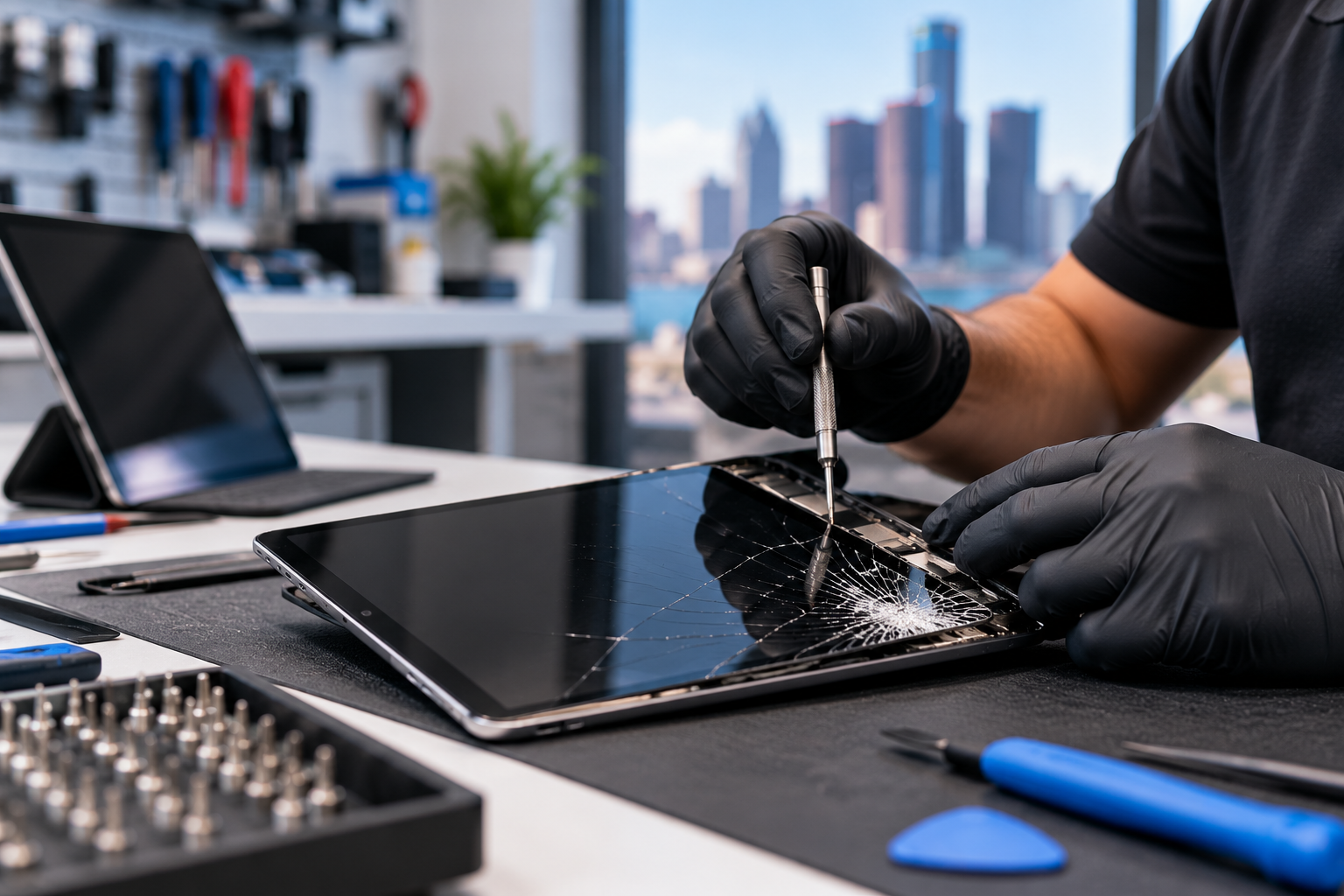
We provide iPad and tablet repair services for customers in Detroit and surrounding areas. We can inspect cracked screens, charging problems, battery issues, touch failures, liquid damage, power problems, and other hardware concerns.
Tell us the exact model if you know it, what symptoms you have noticed, whether the device was dropped or exposed to liquid, and whether it has been repaired before.
A reliable repair experience should include clear diagnosis, appropriate parts, careful testing, realistic turnaround expectations, and support after the repair. That is the standard we aim to provide when customers bring their tablets to us.