
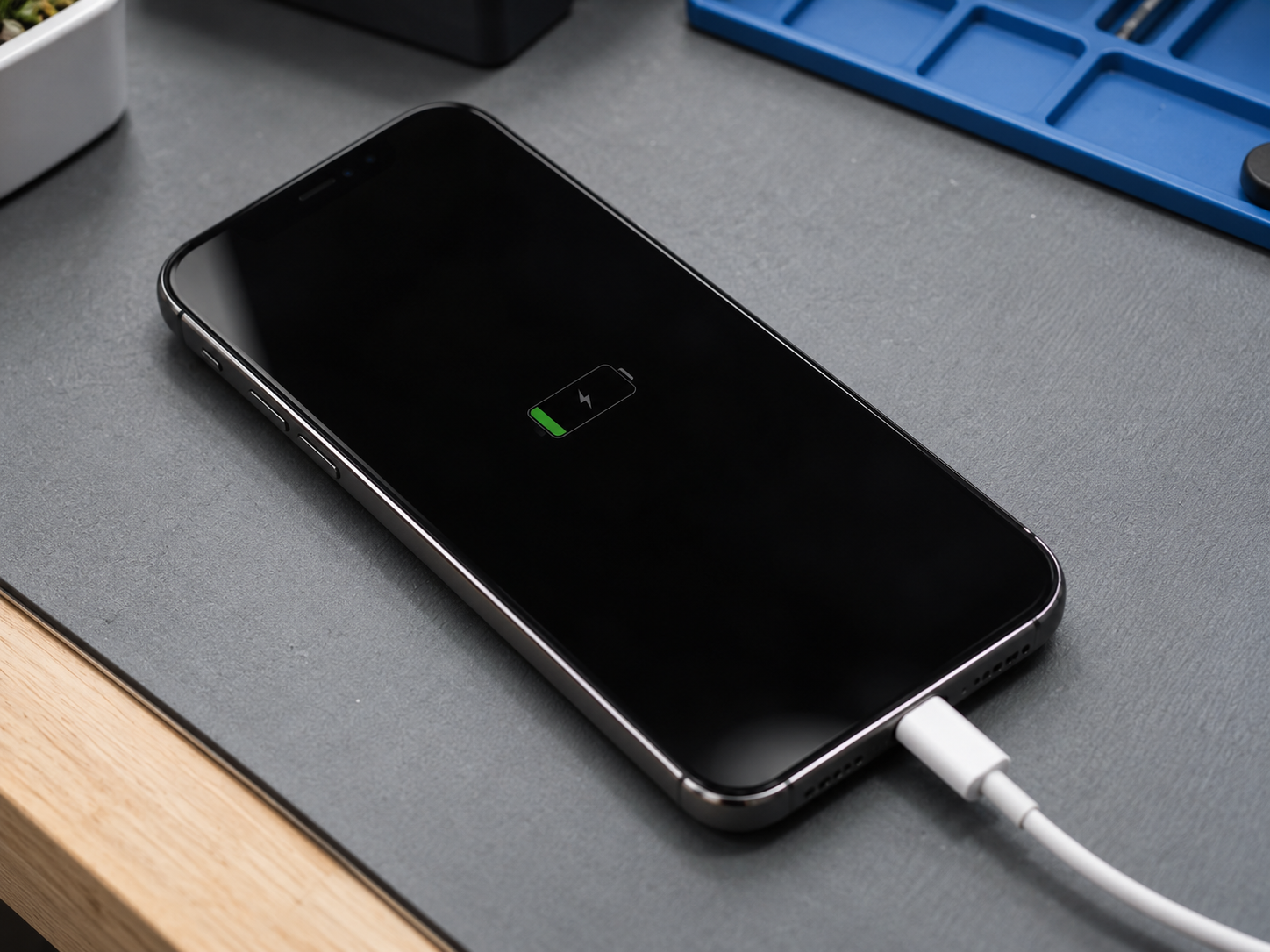
If your phone shows a charging symbol but still will not turn on, power is reaching at least part of the device, but that does not prove the battery, display, power button, charging circuit, or motherboard is working correctly. A deeply discharged battery, failed screen, weak battery, damaged charging port, software crash, or board-level power fault can all create this situation.
At Conner Phone Fix, we diagnose the phone before replacing parts. The charging icon is useful information, but it is only one clue. We want to know whether the phone is actually booting, whether the battery can accept and deliver power, and whether a failed display is making a working phone appear dead.
Give a Deeply Drained Battery Time to Recover
A phone that has been completely discharged may not turn on immediately after being connected to a charger. The battery can fall below the level needed to start the operating system, so the device may first show only a low-battery or charging symbol.
Connect it to a known-working, compatible charger and leave it undisturbed for a short period. Avoid repeatedly pressing the power button every few seconds. If the battery is simply deeply drained, the phone may eventually accumulate enough charge to start normally.
If the device becomes unusually hot, smells strange, or the screen or back cover begins lifting, disconnect it and stop troubleshooting. Those can be signs of battery or internal electrical damage.
The Battery May Be Accepting Power but Unable to Start the Phone
A worn or damaged battery can sometimes trigger a charging indicator while still being unable to provide the current needed for startup.
You may have noticed rapid battery drain, unexpected shutdowns, large jumps in battery percentage, or a phone that worked only while connected to power before it stopped starting altogether.
Battery testing is important because installing a new charging port will not solve a battery that cannot store or deliver energy. The same is true in reverse: replacing the battery will not fix a damaged charging circuit.
Could the Screen Be Black While the Phone Is Actually On?
Yes. A failed display is one of the most important possibilities to rule out.
A phone may boot, receive notifications, vibrate, ring, and connect to a computer while the OLED or LCD remains completely black. After a drop, the display panel or its internal connector can fail even when the glass does not look badly damaged.
Call the phone from another device. Listen for sounds or vibration. Connect it to a computer and see whether the computer recognizes it. These checks do not identify the exact failure, but they can show that the phone is running behind a dead screen.
What If the Charging Port Is Damaged?
A damaged port can sometimes make partial contact. The phone may briefly recognize the charger and show a charging symbol without receiving stable power.
Debris can also prevent the connector from seating fully. If the cable feels loose, falls out easily, or only works at a certain angle, the port should be inspected.
Do not insert needles, paper clips, or other metal objects into the charging port. The contacts are small and can be bent or shorted. Professional cleaning may solve a debris problem without requiring port replacement.
Can the Power Button Be the Problem?
Yes. If the phone is charging but the power button or its flex cable has failed, the device may not respond normally when you try to start it.
This is more likely after a drop or when the button feels stuck, loose, or different from before. Some phones may start automatically when enough power is supplied, while others still require a working button combination.
A technician can determine whether the button assembly is defective or whether the problem is deeper in the power-management system.
Could Software Keep the Phone From Starting?
Software problems can sometimes leave a phone frozen on a charging screen, startup logo, or black display. A forced restart may help when the device has crashed but the hardware is otherwise healthy.
The correct button sequence varies by model. If the phone contains important data, avoid jumping directly to a factory reset or restore. Erasing the device is not a sensible first diagnostic step when the cause may be a battery, display, or charging problem.
If the phone repeatedly reaches the logo and restarts, mention that behavior when bringing it in. Boot loops can have software or hardware causes.
Tell us whether the charging symbol appeared before or after the phone stopped starting. That sequence can provide another useful clue during professional diagnosis.
When Does a Board-Level Power Fault Become Suspect?
If the battery, charging system, display, and button appear normal, the problem may involve a power-management or motherboard circuit.
Liquid exposure, impact damage, electrical shorts, previous repair attempts, or failed components can interrupt the sequence that allows the phone to start. The device may still react to a charger because one part of the power system is active while another circuit is not functioning correctly.
Board-level diagnosis may require current-draw measurements, voltage checks, magnification, and microsoldering experience. Replacing parts at random can waste time and make a damaged board harder to recover.
Protect Your Data Before Aggressive Troubleshooting
If your photos, contacts, authentication apps, documents, or other important information are stored only on the phone, tell us that data preservation is a priority.
A phone that will not boot does not automatically mean its data is gone. Sometimes restoring the screen, battery connection, charging system, or board-level power function allows the original device to start long enough for a backup.
Modern phones use encryption, so data recovery often depends on getting the original hardware into a working state. Repeated DIY attempts, heat, or careless board work can reduce the chances of recovery.
How We Diagnose a Phone That Charges but Will Not Turn On
Our phone repair services begin with symptom verification. We test the phone with known-working charging equipment and look for signs of battery swelling, impact damage, liquid exposure, or port damage.
We then determine whether the phone is drawing power and whether it shows any signs of booting. If necessary, we evaluate the battery, display, charging port, buttons, and internal connections.
When those components do not explain the failure, deeper board-level testing may be necessary. The goal is to isolate the fault before recommending a repair.
Phone Not Turning On Repair in Detroit
If your phone shows that it is charging but refuses to start, do not assume the battery is the only possible cause. The issue may involve the battery, display, charging port, power button, software, or motherboard.
Conner Phone Fix provides diagnostics and phone repair for customers in Detroit and surrounding areas. If the information on the device is important, we can also discuss whether data recovery should be part of the repair strategy.
Contact Conner Phone Fix to book an evaluation. Bring the charger you normally use when possible and tell us about any recent drops, liquid exposure, battery problems, or previous repairs. We will test the device and explain what we find before recommending the next step.