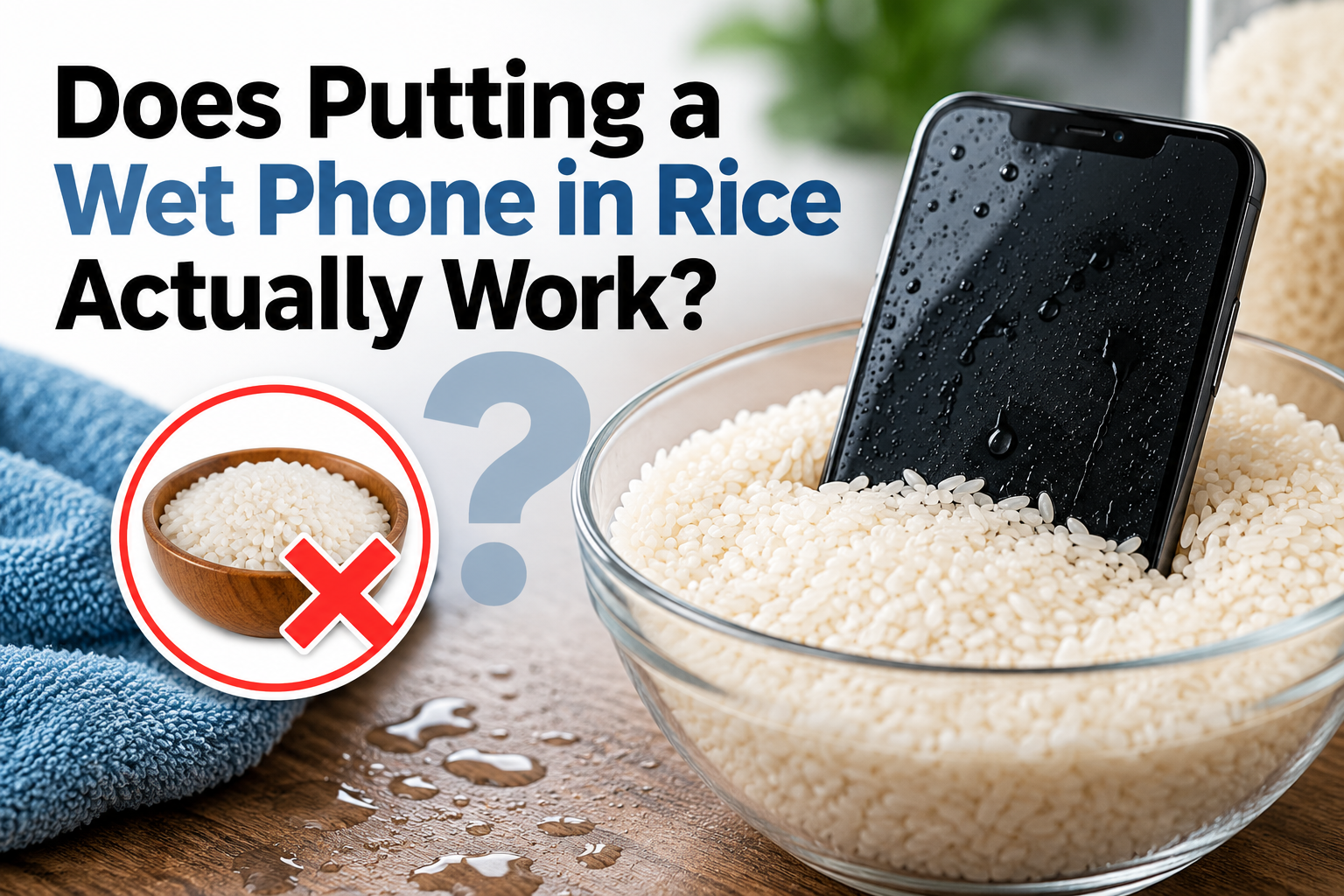
If your phone gets wet, putting it in rice is not a reliable way to repair water damage. Rice may absorb a small amount of moisture from the air, but it cannot remove liquid trapped under internal components, clean corrosion, or repair damage to the battery, charging system, display, or logic board.
At Conner Phone Fix, we treat a wet phone as a liquid-damage problem, not simply a drying problem. A device can look dry and continue working while corrosion develops internally. If your phone contains important data or begins behaving differently after liquid exposure, having it inspected is safer than relying on the rice trick.
Why Do People Put Wet Phones in Rice?
The idea became popular because some phones start working again after being left alone for a day or two, making it seem as though the rice fixed the device.
In reality, the phone may have recovered because moisture evaporated naturally. If only a small amount of water entered the device, it might survive whether rice was used or not.
The bigger concern is what remains inside after visible moisture disappears. Water can reach connectors, speakers, microphones, cameras, charging components, the battery, and the logic board. Rice outside the phone cannot clean those areas or reverse electrical damage.
Drying Is Not the Same as Repairing Liquid Damage
Tap water, rainwater, drinks, and other liquids can contain minerals, salts, sugars, and contaminants. When moisture evaporates, those materials can remain behind on electronic components.
Residue can contribute to corrosion and unstable electrical connections. This is why a phone may continue working immediately after getting wet but develop problems later.
You might notice charging issues, battery drain, distorted audio, camera problems, screen flickering, random shutdowns, overheating, or a phone that suddenly will not turn on. A dry phone is not automatically an undamaged phone.
Can Rice Make the Situation Worse?
Rice usually is not the cause of the original damage, but relying on it can create problems. Fine particles or dust can enter charging ports, speaker openings, and other exposed areas. If debris becomes packed inside the port, the cable may stop making a reliable connection.
The larger risk is delay. Leaving a water-damaged phone in rice for 24 or 48 hours can postpone a proper diagnostic while corrosion continues internally. If the device contains irreplaceable files or photos, avoiding unnecessary delay becomes even more important.
What Should You Do After Your Phone Gets Wet?
If the phone is still on and it is safe to use, turn it off. Disconnect the charger and accessories. Remove the case and gently dry the exterior with a clean, absorbent cloth.
Do not repeatedly turn the device on to check whether it works. Avoid charging it while moisture may still be present because applying power to contaminated components can increase electrical damage.
Do not use a hair dryer, heat gun, oven, radiator, or direct sunlight. Excessive heat can damage the battery, display, adhesives, and other internal parts.
If the device becomes unusually hot, develops a chemical smell, or the screen or rear cover begins lifting, stop using and charging it. Those symptoms may indicate battery damage and should be inspected promptly.
Does the Type of Liquid Matter?
Yes. Clean water may be less aggressive than liquids containing salt, sugar, acids, or other contaminants. Saltwater is especially concerning because salt can accelerate corrosion and create conductive pathways across electronic components.
Soda, juice, coffee, and similar liquids can leave sticky residue even after they dry. That residue can affect buttons, charging ports, speakers, connectors, and board components.
When you bring a liquid-damaged phone to us, tell us what the device was exposed to and approximately how long it was wet. Those details help us identify areas that may need closer inspection.
Why Can a Phone Fail Days After Getting Wet?
Corrosion does not always cause immediate failure. A connection may continue working while corrosion slowly weakens the metal around it. Eventually, that connection can become unstable or fail completely.
Symptoms may include intermittent charging, rapid battery drain, overheating, touch problems, microphone issues, speaker distortion, camera failure, random restarts, or complete loss of power.
If these problems appear after liquid exposure, tell us about the original incident even if it happened days or weeks earlier.
What Happens During a Professional Water-Damage Diagnostic?
At Conner Phone Fix, we begin by asking what happened, what liquid was involved, whether the phone remained powered on, and what symptoms appeared afterward.
We then inspect the device based on its condition. That can include checking the charging port, testing the battery and power system, evaluating the screen and touch response, and looking for signs of corrosion or liquid intrusion.
When necessary, the phone may need to be opened so internal connectors and board components can be examined more closely.
If contamination is found, the repair depends on what has been affected. Some phones may need cleaning and a replaceable component such as a battery, charging port, screen, speaker, or camera. Other devices may require more advanced board-level diagnosis.
The goal is to identify the actual damage before replacing parts.
Can a Water-Damaged Phone Be Repaired?
Many liquid-damaged phones can be repaired, but there is no single answer for every device.
Repairability depends on the liquid, how long it remained inside, whether the phone was powered or charged while wet, the amount of corrosion, and which components were affected.
A device with minor contamination around one connector is very different from a phone with extensive logic-board corrosion.
We also consider your priority. If important information is stored only on the device, data preservation may come first. Sometimes restoring enough functionality to create a backup is more important than returning the phone to long-term daily use.
If recovering your files matters, tell us before we begin. We can factor data preservation into the diagnostic and determine whether our data recovery service may be relevant.
Does Silica Gel Work Better Than Rice?
Silica gel can absorb moisture from the surrounding air more effectively than uncooked rice. However, it still cannot remove corrosion or clean residue from internal electronic components.
A desiccant may help reduce moisture around a device, but it should not be treated as a repair when liquid has entered the phone.
If the phone will not charge, becomes hot, has important data, or starts malfunctioning after getting wet, professional testing provides more useful information than waiting for a drying product.
Water-Damaged Phone Repair in Detroit
If your phone gets wet, skip the rice and focus on preventing additional damage.
At Conner Phone Fix, we provide phone repair and water-damage diagnostics for customers in Detroit. We can inspect the device, evaluate the battery and charging system, look for corrosion, and determine whether the phone needs cleaning, component replacement, or more advanced board-level work.
Bring the device and tell us what liquid it encountered, whether it remained powered on, and what symptoms appeared afterward.
Putting a wet phone in rice may make it feel as though something is being done, but rice cannot reverse corrosion or repair damaged electronics. A diagnostic gives us a picture of what happened and what repair options are realistically available.