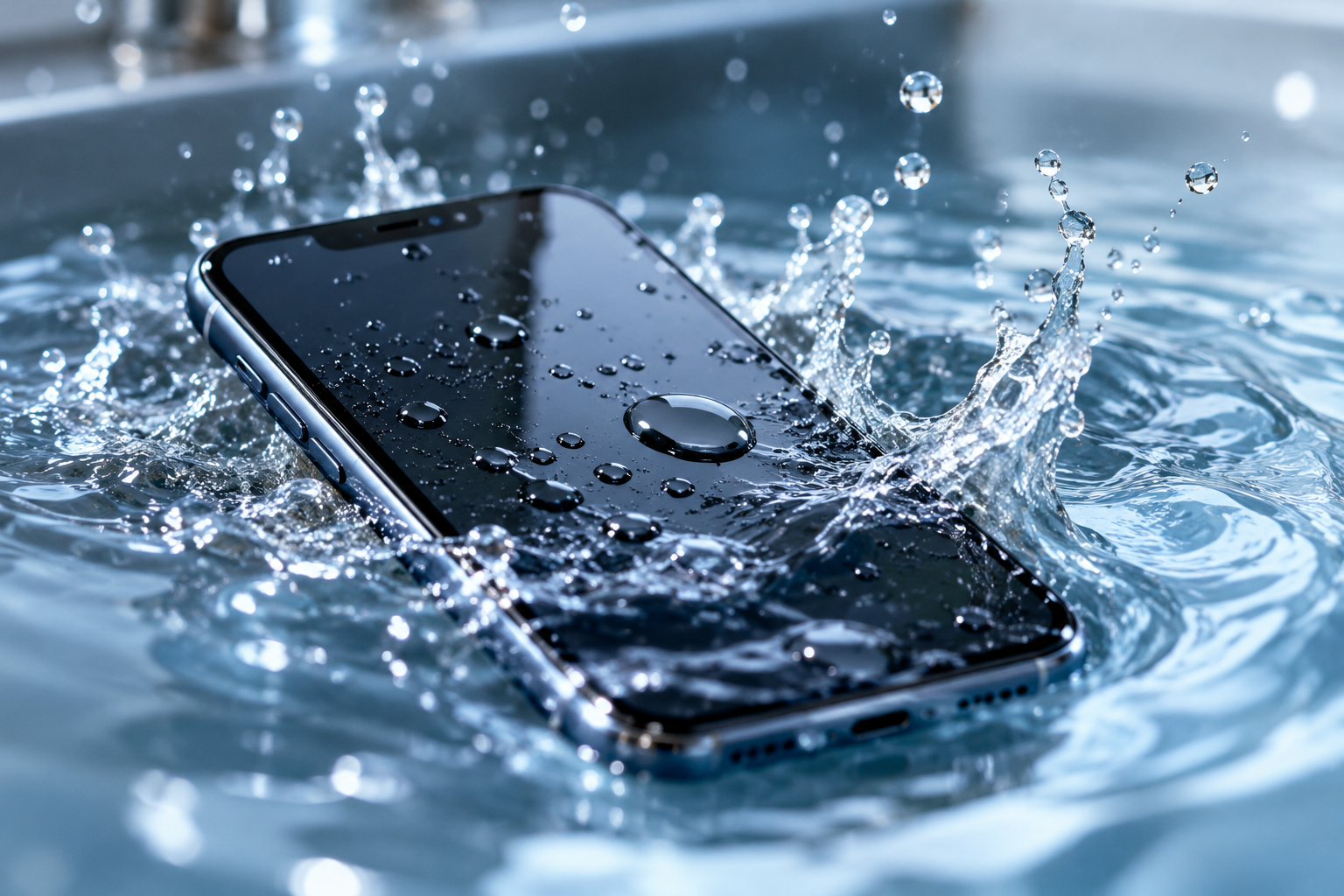
If your phone falls into water, remove it from the liquid, disconnect any charger or accessories, power it off if you can do so safely, and avoid trying to charge or repeatedly restart it. Dry the outside gently, but do not assume the phone is safe just because the exterior looks dry.
At Conner Phone Fix, we treat liquid exposure as an internal electronics problem, not simply a wet-surface problem. Water can reach the battery, charging system, display connectors, and logic board. Avoiding power and arranging a proper inspection can reduce the risk of additional damage. A fast response cannot guarantee recovery, but it can reduce avoidable damage afterward.
Remove the Phone From the Liquid Immediately
Get the device out of the water as quickly as possible. How serious the damage becomes depends on the type of liquid, how long the phone was submerged, whether it remained powered on, and which internal areas were reached.
Even brief exposure can allow moisture to enter through the charging port, speaker openings, microphone holes, damaged seals, or cracks in the housing. Remove the case and detachable accessories, then blot the exterior gently with a clean, dry cloth.
Power the Phone Off if It Is Still On
If the phone is operating and it is safe to interact with it, power it down. Electricity moving through wet or contaminated components can create shorts and accelerate corrosion.
Avoid opening apps, testing cameras, playing audio, or repeatedly checking whether everything still works. If the screen is already black or the phone appears dead, do not keep pressing the power button. Repeated startup attempts can apply power to a damaged circuit.
If the device becomes extremely hot, smells unusual, or the screen or back cover begins lifting, stop using it. Those symptoms can indicate battery damage.
Do Not Plug the Phone Into a Charger
Charging is one of the most important things to avoid after water exposure. Connecting power while moisture or conductive residue is present can make the damage worse, and the charging port is one of the most exposed areas of the phone.
If the device displays a liquid-detection warning, take it seriously. Do not repeatedly reconnect the charger to bypass the warning. Wireless charging is not a safe workaround because moisture may be present elsewhere inside the device.
Let the phone remain powered off until its condition can be evaluated.
Skip the Rice and Avoid Heat
Putting a wet phone in rice does not repair liquid damage. Rice cannot remove moisture trapped beneath shields and connectors or clean minerals, sugars, salts, and other contaminants left behind after the liquid evaporates.
We cover this myth in more detail in Does Putting a Wet Phone in Rice Actually Work? The bigger risk is delaying inspection while corrosion develops.
Do not use a hair dryer, heat gun, oven, radiator, or direct sunlight to speed up drying. Excess heat can damage the battery, display, adhesives, and other components.
Keep the device in a dry, room-temperature environment. If visible water is around the charging port, allow the opening to face downward naturally, but do not insert tissues, cotton swabs, pins, or metal tools.
Does the Type of Liquid Matter?
Yes. Fresh water may be less aggressive than saltwater or sugary liquids, but even tap water can leave minerals behind after drying.
Saltwater is particularly damaging because salt accelerates corrosion and can create conductive paths across circuits. Soda, coffee, juice, and similar drinks can leave sticky residues that affect charging ports, buttons, microphones, speakers, and board connections.
When you bring the phone to us, tell us what liquid was involved and how long the device was exposed.
What If the Phone Still Works?
A phone that still turns on is not necessarily undamaged. Some devices continue working for hours or days and then develop problems as corrosion affects connections and power circuits.
Watch for charging problems, rapid battery drain, overheating, screen flickering, distorted audio, camera fogging, random restarts, or a phone that suddenly stops turning on. If these symptoms appear after liquid exposure, the original incident is important even if it happened days or weeks earlier.
Our guide Can a Water-Damaged Phone Still Be Repaired? explains why delayed symptoms happen and what factors affect repairability.
Protect Important Data
If the phone contains photos, contacts, work files, authentication apps, or other information that is not backed up, tell us that data preservation is a priority before repair begins.
Avoid factory resets, software restores, or repeated DIY repair attempts just to see whether the phone comes back. Modern smartphones use encryption, so data recovery often depends on getting the original device and logic board functioning well enough to access the information normally.
In some cases, the most useful repair strategy is to restore enough functionality to create a backup rather than immediately focusing on long-term daily use. What is possible depends on the condition of the storage, board, battery, and power circuits.
How We Diagnose a Water-Damaged Phone
At Conner Phone Fix, we start by asking what liquid was involved, how long the device was exposed, whether it remained powered on, whether it was charged afterward, and what symptoms appeared.
We inspect the exterior, charging port, screen, frame, and other accessible areas. Depending on the phone’s condition, we may test battery behavior, charging response, display function, and power activity. If internal inspection is necessary, we look for corrosion, residue, damaged connectors, battery problems, and board-level faults.
The goal is to identify the actual damage before recommending a repair. Some phones may need cleaning and a replaceable component such as a battery, display, charging port, speaker, or camera. Others may require more advanced board-level work. Our phone repair services cover many of the issues that can appear after liquid exposure.
When Should You Bring the Phone In?
Stop troubleshooting if the phone becomes hot, develops a chemical or burning smell, shows battery swelling, refuses to charge, will not turn on, or contains important data you cannot afford to lose.
Repeated charging, restarting, or opening the device can turn a manageable problem into a more complicated one. Liquid damage is also difficult to judge from the outside because a phone can look completely normal while corrosion develops under internal shields and connectors.
A professional evaluation can determine what was affected, what can be repaired, and whether the device is likely to remain reliable afterward.
Water-Damaged Phone Repair in Detroit
If you dropped your phone in water, remove it from the liquid, power it off, avoid charging, dry the exterior gently, and skip rice and high heat.
At Conner Phone Fix, we provide water-damage diagnostics and phone repair for customers in Detroit and surrounding areas. We can inspect the device for corrosion and component damage and explain the repair options based on what we actually find.
If your phone was recently exposed to water or another liquid, contact Conner Phone Fix to arrange an evaluation. Tell us what happened, what liquid was involved, and whether protecting the data on the phone is a priority. Careful action immediately after water exposure gives us a better starting point for diagnosis and can help prevent avoidable damage.